

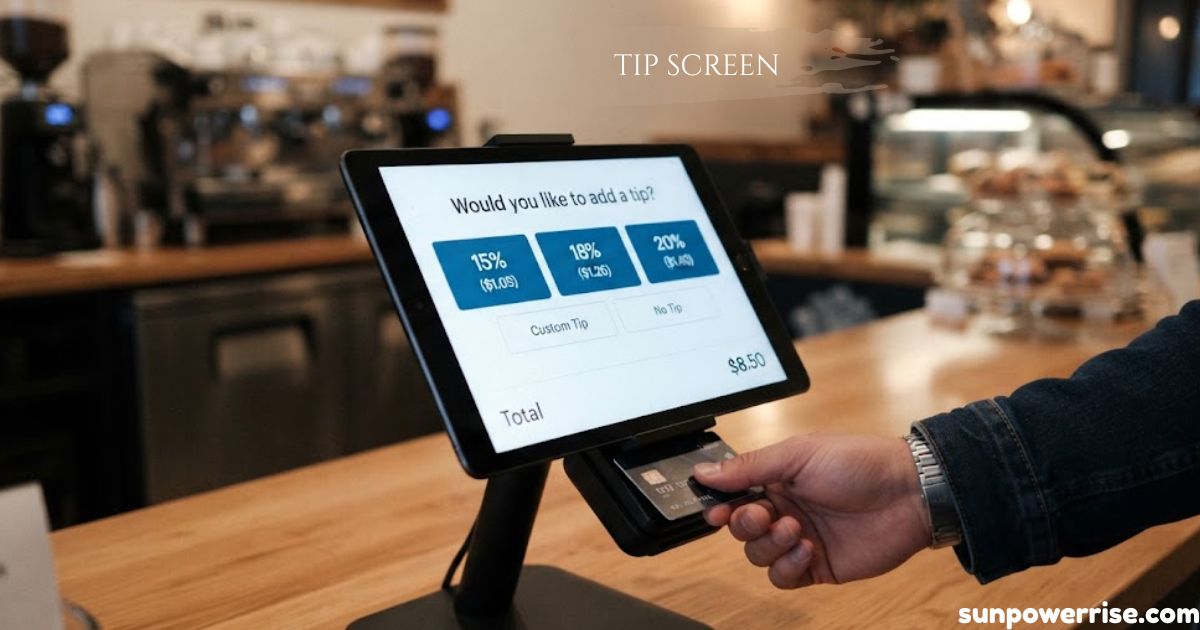
A tip screen has become part of daily life since the 2020s. You pay your server at a restaurant, and a tipping screen pops up before you can think. You now see touch-screen tipping prompts in coffee shops, cafés, delivery services, retail environments, and self-service kiosks.
Forbes reported in 2023 that Americans tip 15% more when they can tap a button instead of pulling cash from a wallet, and 64% tip 10% more with digital tipping. Moods are mixed, though. A Bankrate survey found that 63% hold a negative view of tipping, and 41% say tipping culture has spiraled out of control. Ted Rossman, a Senior Industry Analyst, says you must now work to avoid tipping when paying with a card. Gen Z and Millennials also tip less often than Gen X and Baby Boomers.
What Is a Tip Screen?
A tip screen, also called a gratuity screen, is a digital interface that asks customers to add a tip at checkout. Many people simply call it the leave a tip screen. If you search for a tip screen image, you will see a payment terminal with buttons for 10%, 15%, 20%, and custom amount.
It appears on card machines and point-of-sale (POS) terminals across the service industry. Tip screens have replaced tip jars because card payments now beat cash.
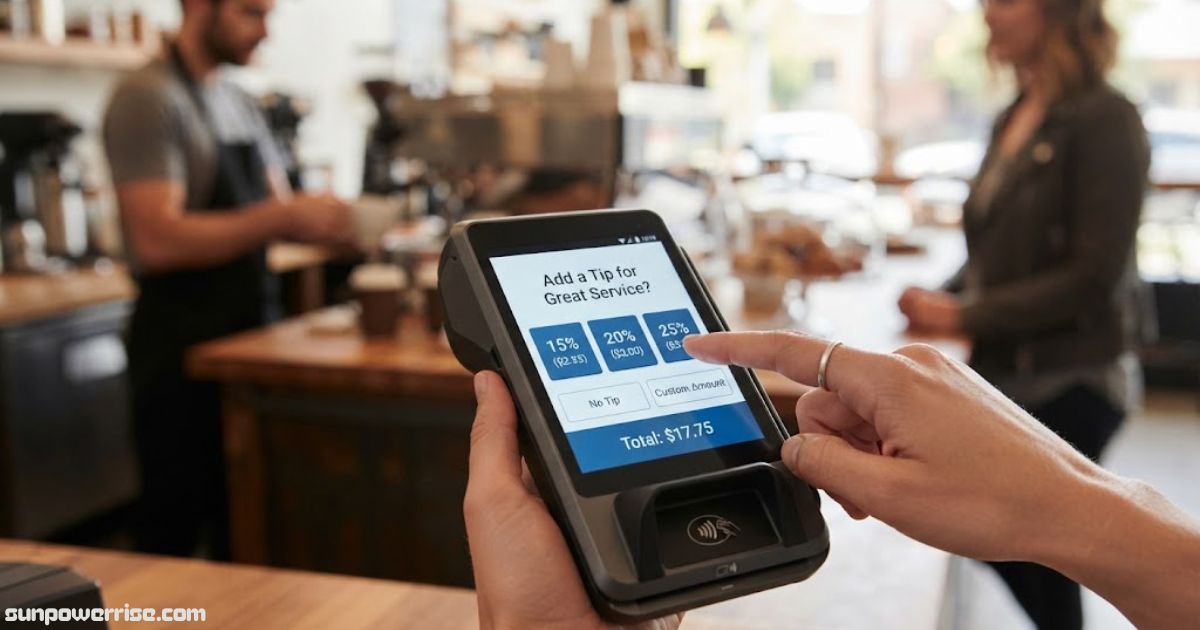
The step stays optional. Customers can skip it or pick no tip, and owners can customise the pre-set tip percentages or disable the screen. It usually shows 10%, 15%, and 20%, plus a custom amount, after the total amount is entered and before the card payment stage.
The idea began in the 2010s and exploded in the 2020s. The COVID-19 pandemic cut cash sales, while QR menus and touchscreen POS systems pushed small businesses toward more POS technology.
A quick note on search terms: if you came here looking for aluminum screen replacement tips, that is a different topic. It covers repairing window and door screens, not payment screens.
How Do You Request Tips Using a Tip Screen?
A server enters an order into the POS, and the checkout process begins. The tipping screen appears on a customer-facing display screen or on the card payment processor. It shows the total bill amount, suggested tip options like 5%, 10%, and 20%, the tip amount, a no tip button, and a custom tip option.
The POS records each transaction and the staff member, then updates financial reports and tip reports. It tracks every employee by shift, day, and month, so business owners skip the maths.
To request a tip, follow six steps. Finalise the Transaction, then Initiate Card Payment. Tip Screen Activation shows the options before contactless payment, and the Customer Completes Tip Selection by tapping the screen. Give Privacy by looking away, and end with Final Payment & Receipt, which prints an itemised bill.
How to Set Up a Tip Screen (POS / Card Machine / Phone)
Setup is easy. Ask your POS providers whether the tipping feature sits in your settings, then pick percentage options, a default amount, and a custom tip option. On tablet devices, tablet stands with 360-degree rotation help you turn the screen toward the customer.
For a back-office route, Choose Your Service Provider, such as Paynt, that follows the Employment (Allocation of Tips) Act 2023. Access System Settings with authorised credentials, Locate the Tipping Feature, and Enable the Feature and Display with the Tip Screen toggle. Then Customise Tip Options with 10%, 15%, and 20%, and Save and Deploy to all connected payment terminals. After that, test how the leave a tip screen looks on every device.
A phone works in five steps. Pick SoftPOS, mPOS, or the QR code method, install the URocked Tipping App on an NFC-enabled smartphone, create a merchant account, and make a unique QR code. Print it on a table card or receipt so customers scan it.
Do They Create Pressure to Tip?
Preset tip percentages turn tipping into one button press, and a default option of 5% or 10% nudges people toward a standard amount. Businesses see a 26% increase in tipping volume, which rewards hard-working staff through simple design psychology.
There is a downside. The social pressure of a repeated prompt to tip causes tip fatigue. A 2023 Capterra survey found that 50% of US consumers feel manipulated by checkout tablets, and 82% encounter them in quick-service restaurants, where many feel confused. Business owners risk alienation of customers, loss of goodwill, and resentment.
Pre-defined tip amounts act as high anchors, especially when the No Tip option appears less prominently. Fair interface design helps. Point the payment terminal to face the customer, and let your staff step back.
How Much Should You Tip?
A good ask sits between 10% to 20%. In the UK, tipping stays voluntary, and restaurants often add a discretionary service charge of 12.5%. Quick-service environments rarely ask for a percentage.
In the US, sit-down restaurants, salon services, and rideshare apps like Uber and Lyft call for 20%, with 15% as the minimum. For food delivery, tip 20% or $5, whichever is higher. At a counter, tipping not required, though it is a thoughtful gesture. If you feel dissatisfied, tipping is never mandatory, so use good judgment.
Where Can You Put a Tip Screen?
Tipping screens run on POS terminals, tablets, card machines, and mobile POS systems. You find them in cafes, convenience stores, salons, barbers, and hotels. Food trucks love the portability of handheld devices, and staff can even take payments in a market or a field.
Pros and Cons
On the plus side, tap-to-tip raises tipping frequency, speeds up checkout by cutting cash handling, improves staff earnings, feeds POS reporting and end-of-day reports, and removes awkward conversations. The cons are tip fatigue, intrusive prompts, damaged brand perception, and weak trust when tips reflect layout instead of service quality.
What Is the Best Solution to Add a Tip Screen?
URocked’s OneDevice sends 100% of tips to staff and supports tax and compliance. It offers card machine integration, ethical distribution with no employer deductions, multi-tipping flexibility, a shared tip pool, real-time dashboards, audit trails, and multi-location and multi-job support. The members tipping app uses a QR code for contactless tips, suits chains and franchises, and supports a team tip pool.
How Do You Add a Tip Picture for Staff?
Download the app from the Apple App Store or Google Play Store, create a profile, and upload your staff photo. Open team tips, add people with the yellow Add member button, and enable multi-staff tipping.
What Are the Common Tip Screen Options?
The common options are pre-set percentage buttons, a custom amount, and a decline button. A manual input field lets people type £2.00 or £5.50, which suits smaller transactions. Good etiquette means a customer who taps 0% owes no explanation. Keep the decline option equally prominent, and give privacy by letting staff step back.
FAQs
What is a tip screen?
A tip screen is a digital interface on a card machine or POS terminal that asks customers to add a tip at checkout. It usually shows preset percentages, a custom amount, and a no tip option.
How does a tip screen work?
After a server enters the order, the screen appears on the customer-facing display or card machine and shows tip options. The customer picks one, the tip joins the sale, and the POS records it in its tip reports.
How do you set up a tip screen?
Open your POS or payment provider’s settings, enable the tipping feature, and choose your percentages and a custom option. Then save and deploy the changes to all connected payment terminals.
What is a good percentage to ask for on a tip screen?
A good range is 10% to 20%, and 10%, 15%, and 20% are the most common buttons. Quick-service venues often skip the percentage prompt altogether.
Do tip screens create pressure to tip?
Yes, they can, because preset amounts act as high anchors and the no tip button can look less prominent. Businesses can reduce this by making the decline option equally visible and letting customers choose in private.
What are the pros and cons of using a tip screen?
The main benefits are higher tipping frequency, faster checkout, and automatic POS reporting. The main risks are tip fatigue, an intrusive feel, and harm to brand perception.