

Nothing annoys me more than a phone call where I cannot hear the other person, so if you want to know how to fix phone speaker problems, start here. I have dealt with crackling audio, muffled sound, reduced volume, and even complete silence on my own smartphone, so I know the feeling well.
Most sound quality issues on an iPhone or Android come from a small glitch, dust, dirt, or water, not serious phone damage.
This guide shares beginner-friendly steps from my hands-on repair experience and from expert recommendations by Apple and Samsung. You will learn manual techniques and water ejection tools like Fix My Speaker that bring back clear call quality on your call speaker.
How To Fix Phone Speaker
Clean the Speaker (Dust, Debris & Grime)
If you want to learn how to fix your phone speaker at home, begin with manual cleaning, because it fixes more speaker trouble than any other step. Dust, lint, skin oils, and grime pile up in the speaker grills, so I always start with dry cleaning.
Hold the phone with the speaker facing downward, then sweep the earpiece and bottom grilles with a soft brush in gentle circular motions. Take off cases and screen protectors first, because they cover the speaker hole. For stubborn buildup, roll painter’s tape into a point and lift the debris out. Apple and Samsung both back this method, and it clears up to 50% of dust-related problems.
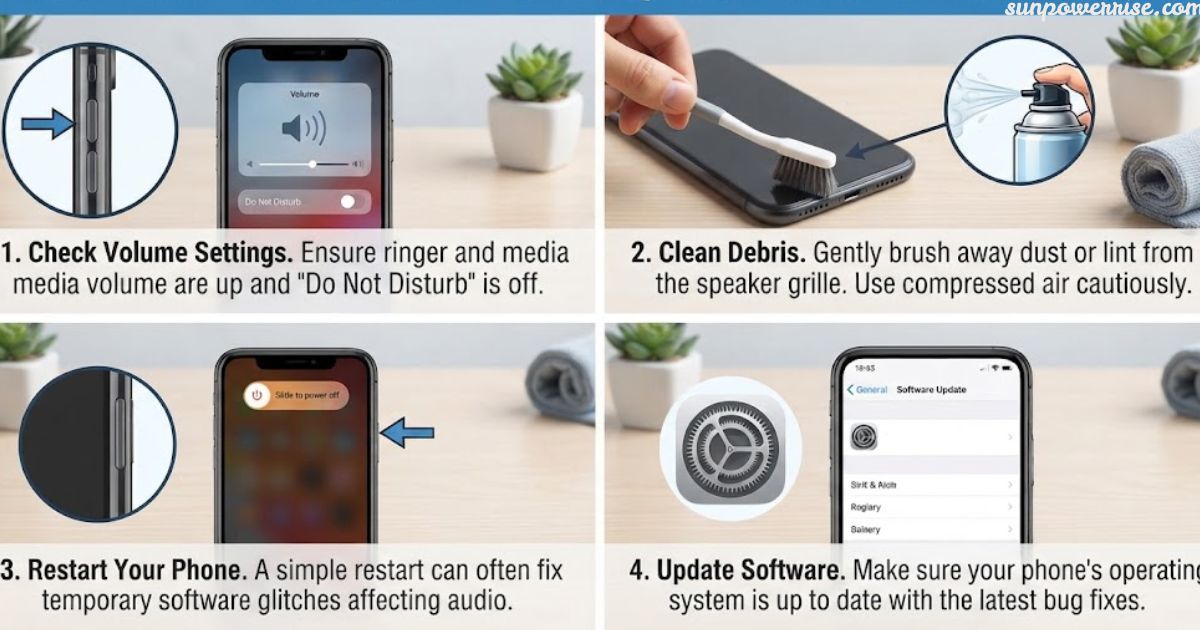
Use compressed air only in short bursts from 6-8 inches away, because close blowing air can push dirt deeper and cause moisture buildup. For surface cleaning, dampen a cotton swab with rubbing alcohol, at 70-90%, and rub the outer mesh in small circles.
Too many liquids cause short circuits, and I never try submerging a phone. Avoid sharp objects like toothpicks, pins, paperclips, and tweezers, because they puncture the speaker membrane.
Water Damage
If a spill is your problem, this is how to fix a speaker on your phone without making things worse. Moisture ingress happens easily, since even a splash of water or breath moisture can wet the speaker components.
Power off the phone right away and stand it upright in a dry position inside a cool room. I skip rice and use a silica gel pack to absorb moisture instead.
Use Speaker Test
Sound wave tools give you a hands-free option. Fix My Speaker uses vibrations to eject water and eject dust, all without opening phone hardware, which helps when you lack physical access to the parts.
This works well for call speaker dust on Android or iPhone. A speaker test app such as Speaker Cleaner or Phone Check can also spot faults. Download only reputable apps from the Google Play Store or the App Store.
Turn Off Bluetooth
Many readers ask me how to fix my phone speaker, and Bluetooth confusion often turns out to be the answer, since I have fallen for it myself. A paired device such as earbuds grabs the sound signal, so your phone speaker stays quiet.
Fix the audio routing by opening Settings on your iPhone and turning Bluetooth off when you see the green button. On Android, open Connected Devices, then tap the toggle switch to the off position to cut Bluetooth functionality. Play some music to confirm the sound returns.
Disable Do Not Disturb / Silence Unknown Callers
Sometimes the speaker works fine and a setting silences you. Do Not Disturb hushes incoming calls and notifications, and Focus modes do the same. Open Settings on your iPhone, move the toggle switch to the off position, and check Silence Unknown Callers, because this feature sends unknown numbers and unsaved numbers to voicemail and mimics speaker failure.
If known contacts ring but strangers do not, you have silent calls from this feature, so try the reset toggle trick and switch it on, then off. On Android, turn off every entry under Automatic Rules. Also open Call Blocking & Identification and look for junk call silencing from your carrier. A quiet phone rarely means broken sound hardware.
Test Your Sound
Test your smartphone sound through a headset next. Plug headphones into the audio jack, or into the Lightning port on a newer iPhone. If you have no jack, pair a Bluetooth headset or Bluetooth speaker.
Open a voice recorder app and make a voice recording, then check the playback. When it sounds like normal sound on headphones but muffled on the speaker, you confirm a speaker issue, and a hardware problem likely sits behind it.
Restart Your Phone
A restart gives your phone a fresh boot and clears audio routing bugs that updates leave behind. On iPhone, press volume up and the side button, then use slide to power off. On Android, hold the power button and tap restart. Check your media volume, call volume, and sound settings too. Software bugs cause many software-based audio problems, and a reset fixes about 35% of them.
For connectivity trouble, go to Settings > General > Transfer or Reset iPhone > Reset > Reset Network Settings. This clears Wi-Fi passwords, Bluetooth pairings, and VPNs, but it keeps your data. If that fails, try Reset All Settings, which brings back default settings and keeps your photos.
Make a backup to iCloud first. On Android, open System > Advanced > Reset Options > Erase all Data, which wipes the phone, so back up first and enter your PIN when asked.
Visit a Repair Expert
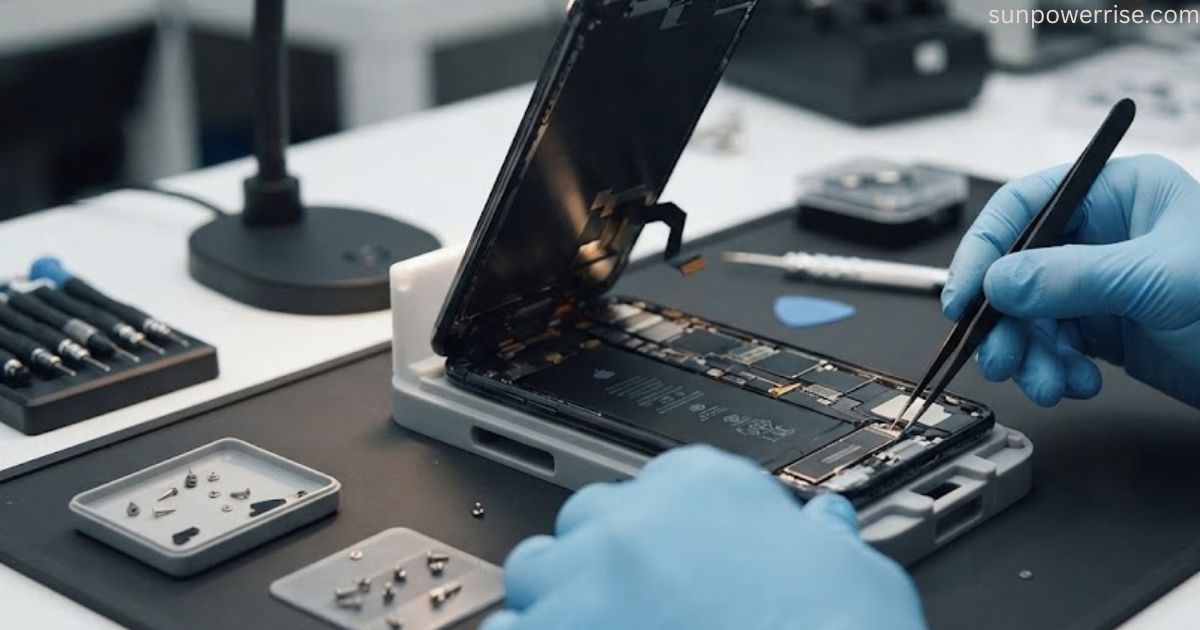
When software fixes fail and you are trying to figure out how to fix phone speaker issues, you likely face an internal problem. A water damage can hurt the circuits and cause a broken circuit or a blown speaker coil, while aging hardware wears down speaker coils by itself. That case needs expert repair. Before you give up, try Recovery Mode on your iPhone.
As another step in how to fix phone speaker troubleshooting, connect it to a computer running iTunes or Finder, press Volume Up, then Volume Down, and hold the side button for a force restart until the screen appears. Then choose Update or Restore, but remember that Restore will erase data, so make a backup first. DFU Mode goes deeper, and if nothing works, contact Apple Support.
FAQs
How much does it cost to fix a phone speaker?
The price depends on your phone model and the shop, but expert repair for a blown speaker coil or broken circuit usually costs far less than a new phone.
How do you know if your phone speaker is broken?
You will notice no sound, crackling, buzzing, or muffled audio, or the speaker only works with headphones. If a ringtone stays weak after you clean and restart the phone, a hardware problem likely sits behind it.
How to fix speaker sound problem?
Check your volume, turn off Bluetooth and Do Not Disturb, then restart your phone. If the sound stays weak, sweep the speaker grills with a soft brush.
How to fix a muffled phone speaker?
Take off the case, clean the grilles with a soft brush, and test the sound again. If water got in, stand the phone upright and use a silica gel pack to absorb moisture.
Can phone speakers be repaired?
Yes, a professional can replace speaker coils or fix a corroded board, so you do not have to give up on your phone. A good repair brings back clear call quality.