

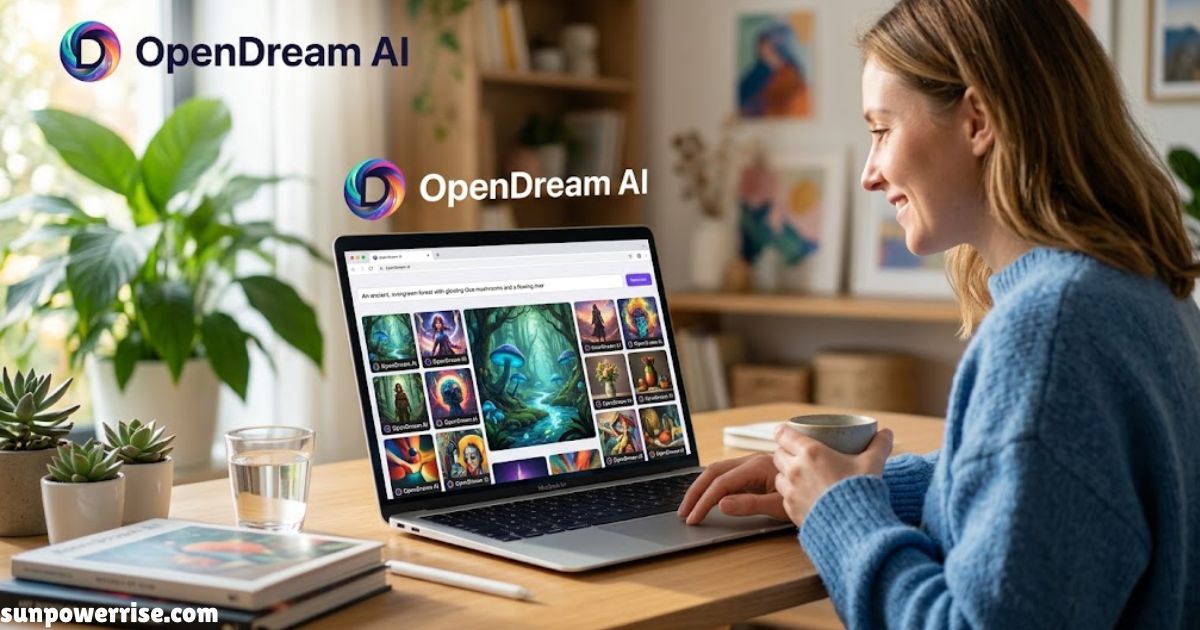
Opendream ai has been popping up everywhere lately, right alongside names like Midjourney and DALL-E. In short, it’s a text-to-image generator that turns written prompts into AI-generated artwork inside your web browser no downloads, no local GPU, no real learning curve.
I tested it myself out of curiosity, and what struck me first was how little friction stood between typing a sentence and seeing a finished photorealistic image.
Launched around 2023 and built on open-source Stable Diffusion technology, it’s picked up a steady following among artists, marketers, and casual creators. There’s a free tier for anyone testing the waters and a paid tier for people who want more depth.
The platform also runs a community gallery for browsing other people’s creations and grabbing image description ideas no login required just to look around, which is a big part of why OpenDream AI art keeps showing up in AI image generation roundups.
What Is OpenDream AI?
It’s a web-based platform designed to make AI art generation simple regardless of technical background or artistic experience. Where professional design applications demand installation, subscription management, and a real learning curve, this one just opens in a web browser: you type, wait a few seconds, and an image appears.
Think of it like describing a scene to a skilled artist who happens to be a machine learning model: you give it a prompt, it hands back a visual interpretation. Underneath, it runs on Stable Diffusion 1.5 and newer Stable Diffusion-based models, wrapped in a beginner-friendly interface.
There’s no signup wall: free users get 24 daily credits and two models, while paid plans start around $12/month for 3,000 credits and unlock three more.
Developers get API access to plug the image generation model into their own products, plus a template library and batch generation for bulk work. Because it’s open-source, the commercial-friendly licensing is a genuine plus; you can use a stunning image in real work without worrying about fine print.
How Does OpenDream Work?
You land on the page, hosted on the official site or through replicate.com, type a text prompt like “a futuristic cyberpunk city, glowing streetlights at night, 4K resolution,” and hit the run button.
No waiting room: the platform sends your prompt to a Stable Diffusion-based model on its servers, which works through gradual refinement, turning raw noise into a coherent visual.
Before generating, you can adjust image dimensions, aspect ratio, image size presets like 512×512 or 768×768, and the number of images returned (up to four).
The guidance scale controls prompt accuracy; a higher value pulls the output closer to your wording. Seed values matter too: reusing a seed with the same prompt gives consistent results, while changing it adds variation. Once the model finishes, the image returns for review if it misses, tweak the prompt, swap the model, or try a new seed.
Key Features
Text-to-image generation is the core function: a vague prompt like “a forest” gives a generic result, while one loaded with lighting, mood, and compositional elements gives a targeted image.
Image-to-image generation lets you upload a reference image and blend it with a new prompt; a strength setting decides how far the output drifts from the original. OpenDream also offers multiple checkpoints across illustrated styles, photorealistic styles, painterly styles, concept art styles, and anime-style art.
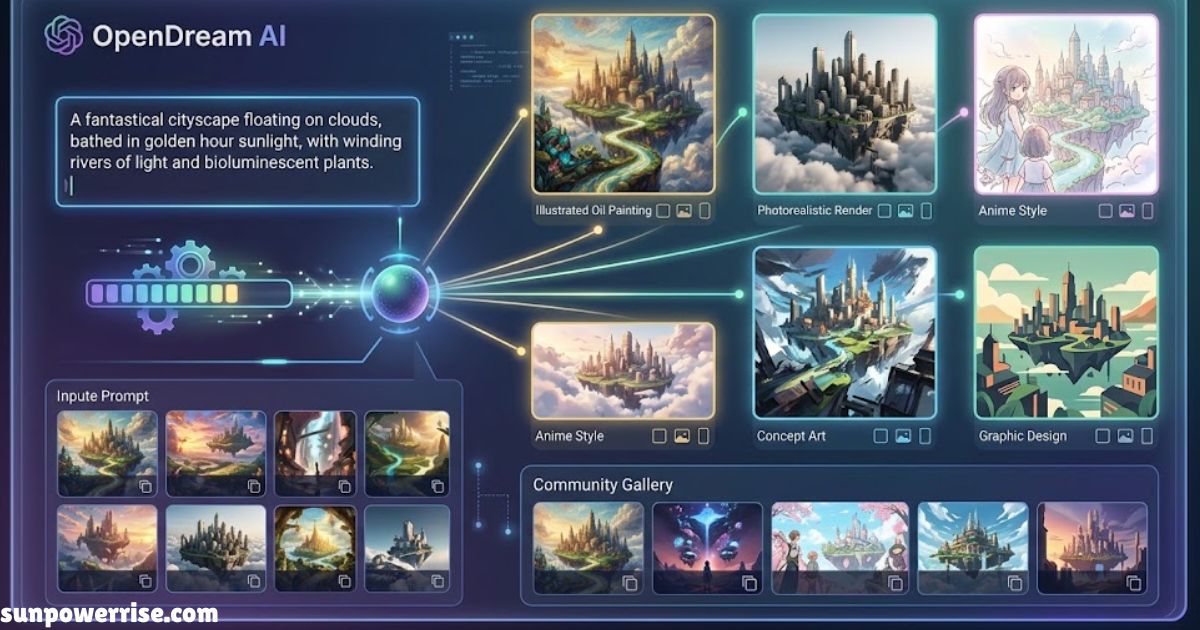
Running one identical prompt through Dreamlike Photoreal 2.0 versus Dreamlike Anime 1.0 shows how much model choice matters. You’ll find square, portrait, and landscape orientations, with higher resolution outputs costing more processing time on free plans.
The community gallery lets you browse images, view prompts behind ones you like, and borrow that approach for your own project, genuinely useful for beginners chasing visual inspiration.
Getting Started
Visit the site and set up an account; some features work without one, but signing in unlocks generation history. Head into the image generation interface, your main workspace for prompts and settings.
Start plain for your first attempt, try a couple of models on the same wording, and leave default settings alone at first. Hit generate, compare the result against your expectations, and refine as needed. Save or download anything worth keeping don’t count on the site storing images indefinitely. Prompt writing genuinely improves with practice.
Why It’s Going Viral
Midjourney still runs through Discord, DALL-E caps free credits, and Leonardo AI insists on an account; OpenDream AI skips all of that, earning it a reputation as plug-and-play AI. Real social media buzz backs this up: the hashtag #opendreamai circulates on TikTok, X, and Reddit, driving genuine organic growth.
It also removes the usual local setup headaches of Stable Diffusion no GPU power, coding, or messy installations needed. For now it’s completely free, with no watermarks and unlimited images within fair limits, which is why YouTubers, bloggers, and freelancers lean on it.
Real-World Use Cases
YouTubers and podcasters use it for custom thumbnails and channel banners; writers use it for concept art and book covers; marketers grab ad visuals and product mockups; game developers use it for rapid prototyping of characters and environments; students and educators generate visuals for presentations and research.
Versus Midjourney, DALL-E 3, and Leonardo AI
Cost is the clearest gap no subscriptions, no paywalls, while Midjourney requires a paid plan and the others offer free versions with limitations.
There’s no log in wall here, unlike the competition’s signups. On quality, Midjourney still leads, but this comes surprisingly close sharp, visually appealing, good enough for YouTube thumbnails or print. It’s also easier to use than Midjourney’s sometimes confusing Discord flow, landing in a real sweet spot between power and ease.
Expert Tips
Be genuinely descriptive use phrases like “ultra realistic” or “cinematic lighting.” Name artist styles (“in the style of H.R. Giger” or “like Studio Ghibli”). Add camera details like “DSLR” or “depth of field” for realism. Adjust the guidance scale, and reuse seeds once you land on a favourite image.
Versus ChatGPT Image and Gemini
Testing across photorealism, stylized art, and complex multi-element scenes shows a real gap. OpenDream AI, still on Stable Diffusion 2.1-era models, scores around 4.5/10: visible artifacts, poor text rendering, anatomy errors on complex prompts.
Gemini Image hits 7.5/10 with strong photorealism but conservative content filters. ChatGPT Image (DALL-E 3) tops out at 8.5/10 with best-in-class detail and excellent text rendering. The quality gap reflects a full generation of model architecture; this still resembles 2022-era output.
The Traffic Spike
There’s been an uptick in OpenDream AI art content lately with no new release or mainstream tech coverage to explain it; instead, a wave of keyword-stuffed review articles across low-authority websites, loaded with promotional language and recycled talking points, hints at coordinated content seeding rather than organic interest. As of June 2026, actual image quality doesn’t match the search volume.
Who It Still Suits
The absolute beginner with no budget needing a quick social media graphic gets real value from the free tier, commercial rights included. Anime and stylized art use cases work well with Dreamlike Anime 1.0, and API integrations for non-critical outputs like placeholder images remain genuinely workable.
FAQs
Is Dream AI free?
Yes, opendream ai offers a genuine free tier with 24 daily credits and two models, no signup wall or login forced on you. If you want more, paid plans start around $12/month for extra credits and models.
Which AI is best for creating artwork?
It depends on what you need: Midjourney and ChatGPT Image (DALL-E 3) lead on raw image quality and prompt coherence, while opendream ai art wins on being completely free and needing zero barriers to start creating.
Can you legally sell art created by AI?
With opendream ai, yes. The free tier includes genuine commercial rights, so images you generate can be used in real products without extra licensing worries, though it’s always worth double-checking current terms before a big launch.
Can ChatGPT make art?
Yes. ChatGPT Image, built on DALL-E 3, generates AI-generated artwork from text prompts with strong text rendering and prompt accuracy, scoring well ahead of older Stable Diffusion-based models in most comparisons.
Is Dream AI legit?
It’s a real, working platform with a genuine community gallery and open-source Stable Diffusion roots. Just go in with realistic expectations, since recent image quality hasn’t quite kept pace with the search traffic around it.
Which AI is 100% free?
Opendream ai stands out here. No subscriptions, no paywalls, no watermarks, and unlimited images within fair limits, something tools like Midjourney and even DALL-E don’t fully match. It’s a small thing, but for anyone on a tight budget, that kind of open access genuinely matters.