

Anyone who pays a gas or electricity bill in the UK has probably typed “Shell Energy login” into a search bar at some point, usually while trying to check a bill or fix a stubborn app.
Shell isn’t just a name you see on fuel pumps anymore; it now sits behind the scenes of more than a million household accounts. Here’s a plain-English look at where the brand came from, what people say about it, and how to actually get into your account when something goes wrong.
Shell Energy Login
Once you’re signed up, the Shell Energy login becomes your main tool to manage account details day to day, whether you use a browser or the mobile app.
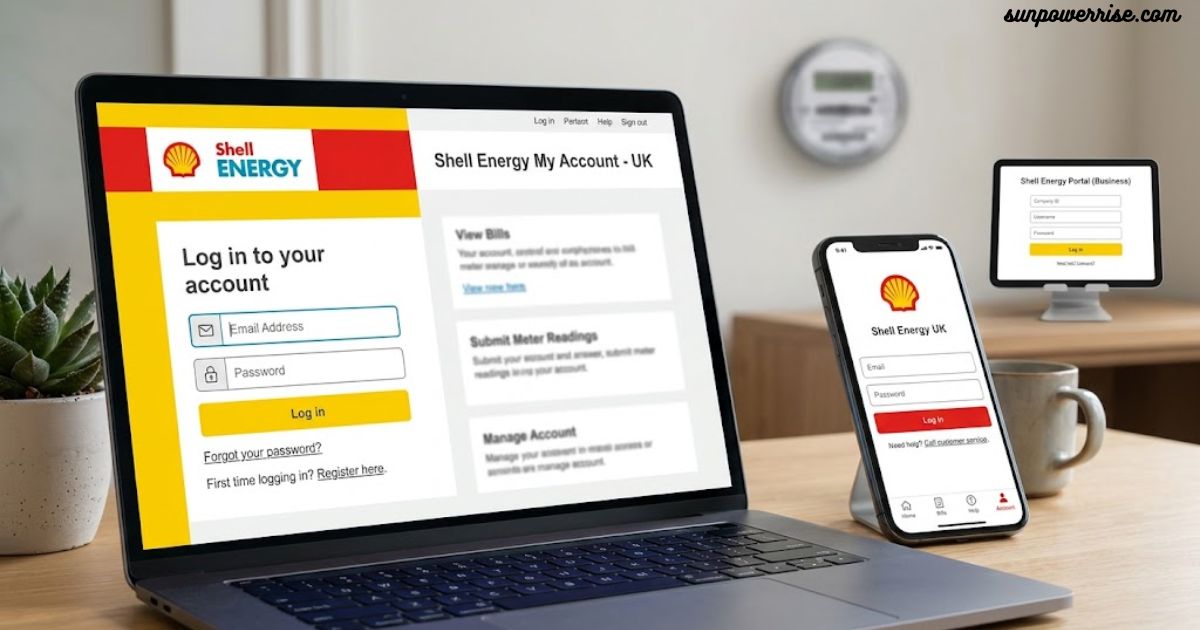
You can download the app from the Google Play Store on Android or the App Store on Apple devices, and logging in only needs your email address and a password, which is why people sometimes call it a Shell Energy email login rather than a username-based one.
Broadband customers use the same portal too, so if you’ve ever searched Shell Energy broadband login, know that it’s the exact same account page as the one for gas and electricity. From there you can submit meter readings, check monthly bills, sort out payments, and even top up credit in a few taps.
The app also lets you keep an eye on your current tariff and switch the moment you spot a better deal, plus it includes a Help Centre for quick answers. App store reviews tell an interesting split story, though: Apple users rate the experience around 4.5 out of 5 stars, while Android users only give it 3.4 out of 5 stars.
Digging into those lower Android scores, a common complaint involves bugs in the software, along with random error messages popping up mid-session. Several users also describe difficulty logging in, which is frustrating when all you want to do is check a bill.
About Shell Energy
Shell Energy started as a supplier under the wing of Royal Dutch Shell, and the parent company made this move through an acquisition of First Utility back in 2019.
Many people still remember Shell as a petrochemical giant, and the brand indeed carries decades of history among petrochemical companies. Yet the provider decided to step away from fuel pumps and refineries and enter people’s living rooms instead, offering gas and electricity plans under a name they already trusted.
The customer base grew fast once Shell took over, jumping from roughly 700,000 accounts that came bundled with First Utility to a much larger crowd after the purchase of Hudson Energy Supply, the firm that owned Green Star Energy, in October 2019.
That single move pushed the company’s reach past one million domestic customers across the country. I remember checking my own bill around that time and noticing the branding shift almost overnight, without anyone actually asking me to switch.
Shell Energy Owned by?
Shell Energy sits under the umbrella of Royal Dutch Shell plc, a multinational whose origins trace back to the 19th century, long before anyone imagined smart meters or online billing. The group ranks among the biggest oil companies on the planet, yet it only stepped into home energy supply in 2018.
That year, it bought one of the UK’s largest independent suppliers and rebranded it, which explains how millions of households ended up with a new name on their bills without switching provider themselves.
Anyone searching Shell Energy login UK today is really just looking for the same account portal that grew out of that original takeover.
Shell Energy Reviews
Before picking any tariffs, I always check what real customers say, and Shell Energy reviews on Trustpilot give a decent starting point.
Across roughly 50,000 reviews, the company holds a TrustScore of 3.9 out of 5 stars, and two-thirds of those reviewers hand over a five-star rating. That’s a solid sign, though it’s worth reading a spread of comments rather than trusting the average alone.
Plenty of happy reviewers praise the customer service agents by name, and one detailed story mentioned an agent called Sonia who patiently explained tariff options after a 25-minute wait on hold. Genuine complaints about energy service do exist, but they show up less often than you might expect from a supplier this size.
Independent research tells a slightly different story. The Which? survey placed Shell 17th out of 25 suppliers, behind average on billing accuracy and customer service, with only 22% of UK energy customers feeling they got real value for money.
Put the Trustpilot score next to that survey and you get a mixed picture, so I’d watch how the company performs over the next year or two before trusting it fully.
Shell Energy Login Help
If your Shell Energy login help search brings you here because you can’t get into your account, don’t panic; the fix is usually quick. Head to the login page and click Forgot your password, then type in your email address to recover password access.
Shell sends a password reset email within minutes, and if that doesn’t land in your inbox, its support team also handles forgotten password through direct email contact at [email protected] for anyone stuck.
Just remember that a webmail Shell Energy login search usually means people are looking for this same recovery page, not a separate mailbox system, since Shell doesn’t run its own webmail service.
How to fix Shell Energy app not working
When the Shell Energy app freezes or won’t open, that’s usually a case of app not working caused by something small and fixable. Start by opening the App Store, tapping the search icon, and checking whether the app name shows an update button next to it; if it does, install the latest version right away.
Still stuck? Clear the app cache by going into device settings, scrolling to general, then iPhone storage, finding the app, and choosing offload app. This clears out junk data without deleting your login details, and a reinstall app button appears automatically once it finishes.
If none of that works, go for a full uninstall. Tap delete app to remove it completely, then head back to the App Store, search for it again, and tap the get button to install it fresh. This last step almost always solves stubborn app issues, at least it did for me the one time my own app refused to load.
Contact Shell Energy
Wondering how to contact Shell Energy? The simplest route runs through the phone: the phone number for General inquiries is 0330 094 5800, staffed Monday to Friday from 8am to 6.30pm and on Saturday from 9am to 4pm.
For the shortest wait, Shell suggests calling between 9:30am and 11am, or again between 3pm and 4:30pm on weekdays, and between 1:30pm and 3:30pm on Saturdays. Sticking to those windows really does cut down the hold time, at least it did when I called last.
If phones aren’t your thing, you can reach the customer service team through the online contact form, chat with the virtual assistant on the website, or message the brand on Twitter or Facebook, where replies usually land within one hour.
Shell Energy Europe
Beyond household bills, Shell Energy Europe operates as a serious European energy supplier, active across 20 countries and deeply embedded in every link of the energy value chain, from gas production, transport, and storage to power generation and transmission.
It works as part of the wider network of Shell trading companies, handling energy commodities such as natural gas, power, CO2, oil products, coal, and gas supply itself.
On the trading side, teams of originators manage trading, sales, and marketing as one joined-up operation rather than separate departments, a setup the company calls a customer facing organisation.
With more than a decade of experience in global carbon markets, it counts itself among the more innovative traders and a genuine leader in environmental products.
FAQs
How do I log in to my Shell Energy account?
Go to the Shell Energy website or app, enter your email address and password, and tap login to access your account.
What do I do if I forget my Shell Energy password?
Click Forgot your password on the login page, enter your email, and Shell will send a password reset email to recover access.
Why does the Shell Energy app keep showing errors on Android?
Android users report more bugs and error messages than Apple users, so updating or reinstalling the app usually fixes it.
How can I contact Shell Energy customer service?
Call 0330 094 5800 during UK business hours, or reach the virtual assistant, online contact form, Twitter, or Facebook.
Is Shell Energy a good and reliable supplier?
Reviews are mixed: Trustpilot shows a 3.9 out of 5 stars rating, but the Which? survey ranked it 17th out of 25 suppliers.