

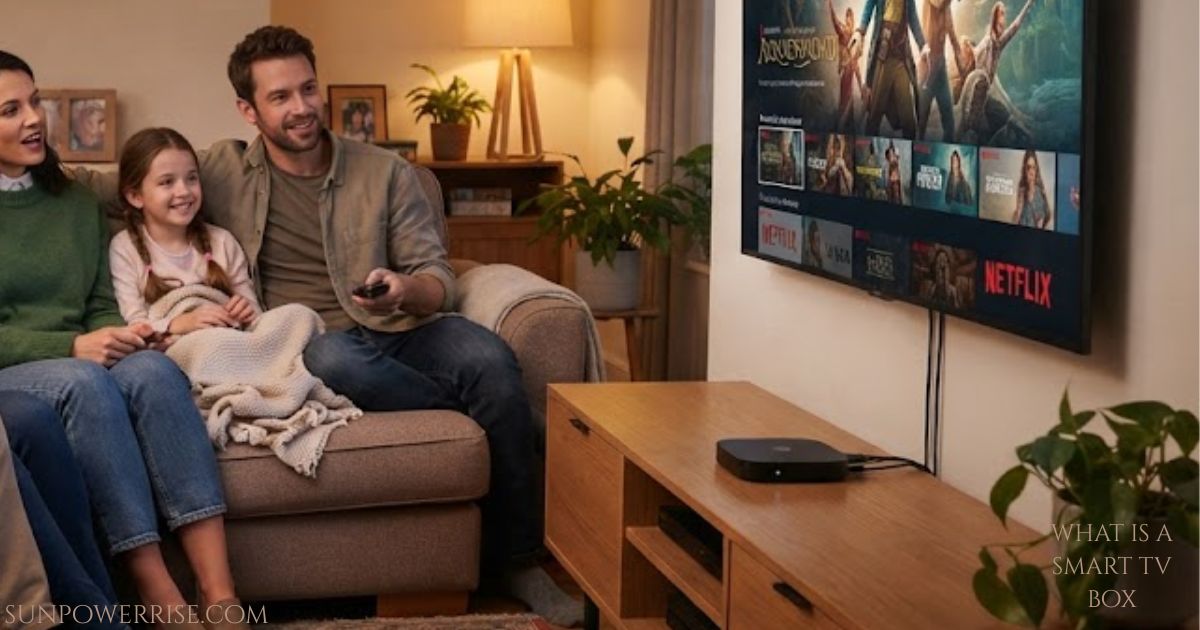
What is a smart TV box? I still remember the day I plugged my first streaming gadget into an old flat-screen and watched it turn into something completely different overnight. That’s really what a smart TV box does it takes a plain screen and gives it a brain.
What is a Smart TV Box?
Walk into any electronics store today, and you’ll find Android TV Boxes, Fire TV Sticks, Android LCDs, and Smart TVs sitting side by side, and honestly, the choice can feel overwhelming at first.
These smart devices and advanced devices have taken over the market because they give people a cinematic viewing experience right at home, without needing a trip to the cinema. I’ve watched friends turn their living rooms into a TV lounge worth bragging about just by adding one small box, and that’s the kind of excitement these gadgets bring.
Transforming Standard TVs Into Multimedia Centres
What I love most is how they let you communicate and interact with your screen, and even connect with people around the world through apps and calls. A normal TV on its own can’t do that it just displays a signal. But add one of the Android IPTV Boxes or Media Player Boxes, and suddenly your normal TV becomes a full multimedia centre for the whole family, giving your household a completely new kind of personalised TV time.
An Android Box can turn that regular TV into a smart TV almost instantly, and it’s genuinely affordable. From my own experience setting these up for family members, the whole entertainment experience feels far more convenient and honestly a bit magical the first time you see it work.
What is a Smart TV Set-top Box?
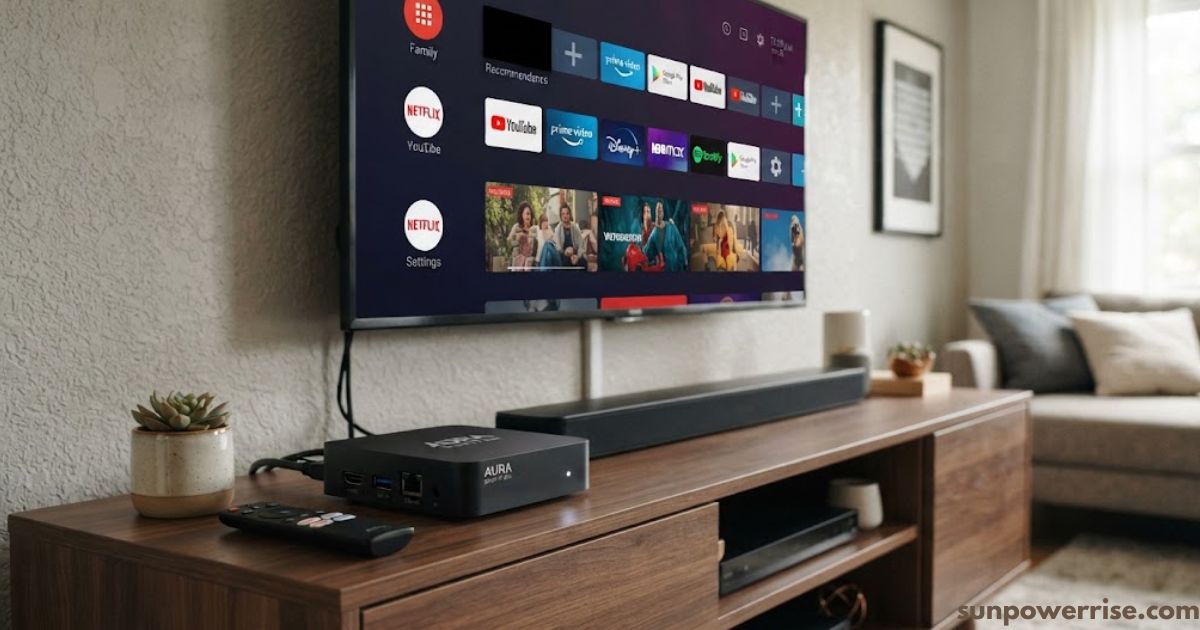
At its core, this is one of those compact devices you simply connect to TV, and just like that, transforming TV into a smart TV becomes as easy as plugging in a cable. If you’re still wondering what is a smart tv box exactly, think of it this way: these set-top Boxes let you enjoy online streaming, play video games on the big screen, and open mobile applications and Android applications for music and entertainment whenever you like.
Simple Setup and Hardware Role
Setting one up is refreshingly simple. I always tell people they only need an HDMI cable or AV cable to link the box to their television. Nothing else about the TV parameters really matters here, because the television only plays the monitor role; it just shows whatever added services list or stream the box sends it, since these boxes don’t come with any pre-added media built in.
Internet Connectivity and Key Hardware Features
You’ll also hear these called Internet Boxes, since their whole internet-based functionality depends on a working connection and proper configuration. Most models include a USB port, a built-in Wifi module, some embedded memory, and decent storage capacity.
Screen resolution matters too; the higher the resolution you get, the better the result you’ll see on screen, though you’ll want a solid internet connection to avoid buffering or an uninterrupted display.
How to Turn Your TV into a Smart TV with an Android Box
Setting this up is easier than most people expect, and I’ve walked several family members through it over a video call. Once you understand what is a smart tv box and how it works, the setup itself takes only a few minutes.
Start by deciding how to choose Android Box there are basic models and powerful models, so pick based on your needs, whether that means a fast processor, large storage capacity, support for 4K and HDR, or compatibility with voice assistants like Google Assistant.
Next, connect Android Box to your television using an HDMI cable; many models also include an Ethernet port, though Wi-Fi works fine too. Some boxes respond to voice commands and include extras like USB ports, Bluetooth 5.0, and HDMI version 2.1 features you’ll often see bundled together in something like a Leap box series.
Once connected, you’ll set up Android Box by following the on-screen instructions, joining your Wi-Fi network, and signing into your Google account while customizing settings to your liking.
From there, just install apps through the Google Play Store think Netflix, Disney+, and YouTube and enjoy smart TV features instantly. The real benefits here is that you keep your old television exactly as it is and simply add the smart layer on top.
Types of Smart TV Set-top Boxes
Not every device looks the same, and knowing the difference helps you choose wisely. Most media players fall into one of two shapes: a standard TV box or a slim stick shaped like a flash drive. The box works as an independent adapter and can honestly turn your living room into a real cinema, and since these are stationary consoles, they usually sit on a table, in a cabinet, or mounted on the wall.
TV sticks, on the other hand, win on compact size small enough to slip into your pocket and they typically ship with a fairly generous remote control for their tiny frame. Both plug into power easily, with most stick models being USB port powered directly from the television itself.
List of the Main Functions of a Smart Set-top Box for TV
The list of what these boxes actually do keeps growing every year. You get internet access through Wi-Fi or a wired network, plus the ability to watch TV shows, movies, and talk shows online in 4K resolution. Apps like YouTube, Megogo, and Netflix put entire libraries at your fingertips, and some services even unlock 1000+ TV channels streamed live.
Beyond watching, you can dive into social networks and chats, enjoy video players and even karaoke, or keep an eye on weather tracking. Plenty of people use theirs for office programs, handling documents, spreadsheets, and presentations right on a large screen, while others prefer modern games on a large diagonal TV.
Pair it with a wireless mouse and wireless keyboard, plug in a webcam for Zoom or Skype calls, and browse the Google Play Store for anything else you might need.
What Can You Watch on a Smart TV Box?
Honestly, the range surprised me the first time I tried one. You can flip through TV channels, catch new movies, binge a series, entertain the kids with cartoons, or lose an evening scrolling through YouTube videos all from one screen. This is really the heart of what is a smart tv box built for: turning a passive screen into an active entertainment hub.
Tips for Choosing a Smart TV Box / Stick
Before you buy, think carefully about the connection method, the operating system, available connectors, and the overall dimensions of the box, and check that it supports at least Bluetooth 4.2.
Importance of Processor Selection
Processor selection matters most for real-world performance the processor power directly affects task processing speed, and I’d suggest looking for something in the 4 to 8 cores range. Common chip names include Allwinner, HiSilicon, and Realtek, though Amlogic consistently comes out ahead for speed and reliability.
Memory, Storage, and Software Capacity
Memory is next. RAM choice and built-in memory both shape day-to-day performance aim for 2GB RAM on sticks and 4GB RAM on boxes, since going too low invites system freezes. On storage, 16GB memory should be your minimum, and running Android 9.0 or newer keeps things smooth. As an example, brands like Gelius offer models such as the AirMax and a basic TV Stick, sold with 2/16 GB and 4/32 GB configurations respectively, with the AirMax running slightly older software and the stick shipping with Android 10.0.
Resolution, Connectors, and Physical Design
Don’t skip resolution selection either look for HD 4K support and a solid frame rate. Check the connection interface too, confirming Wi-Fi, USB ports, and HDMI are all present. Finally, consider appearance, design, and included equipment most come as a compact box weighing somewhere between weight 100 to 500 grams, and the box should arrive with a connection cable, network adapter, remote control, instruction manual, and warranty card.
FAQs
What is the purpose of a smart TV box?
It turns any ordinary television into a smart, connected screen, unlocking streaming apps, live channels, and endless entertainment without buying a new TV.
What channels do you get on a smart TV box?
You get access to hundreds of live TV channels, IPTV lists, and streaming platforms like Netflix and YouTube, once you add your own channel subscriptions or apps.
Is there a monthly fee for a TV Box?
No, most smart TV boxes run through your existing internet connection with no subscription fee, unless you choose a paid streaming service on top.
Does the smart TV box really work?
Yes, it genuinely transforms your old television into a fully functional smart TV, and honestly, it feels a little magical the first time you see it happen.
How do you connect a smart TV box?
Simply plug it into your TV’s HDMI port, join your Wi-Fi network, and it’s instantly ready to stream and entertain.