

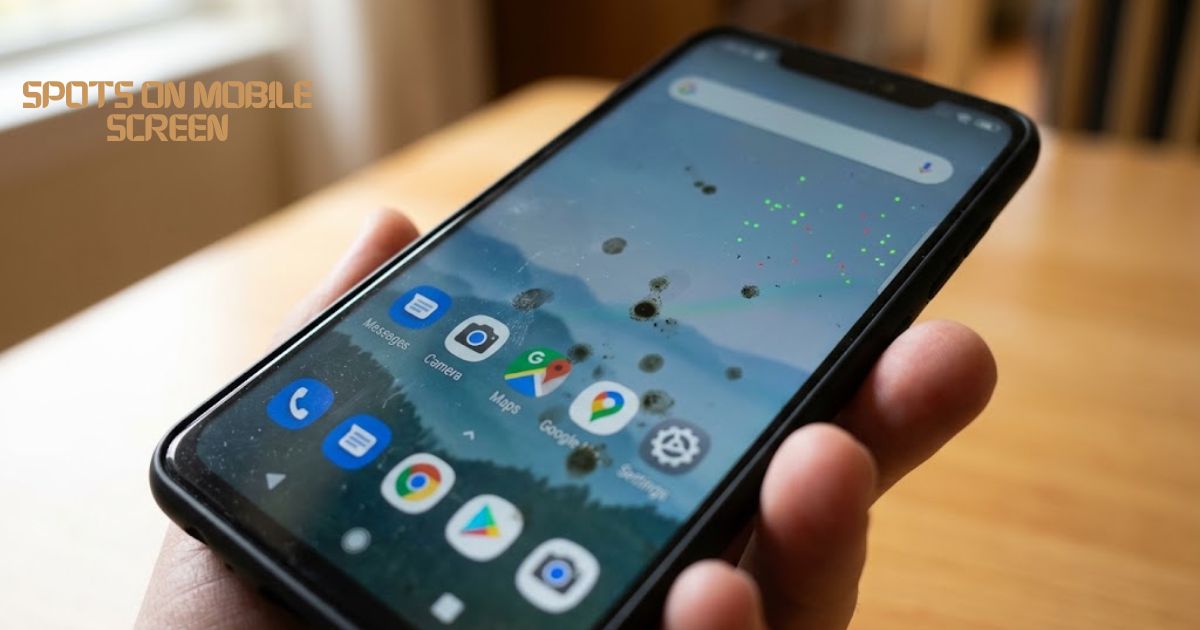
Spots on mobile screen first caught my attention after a long bus ride, when I noticed white spots on my own mobile screen. A bright patch sat in the middle of the display, and it looked like a light mark that never moved. It showed up most on plain backgrounds, so I could not ignore it.
Spots On Mobile Screen
A faded patch can look like a bright spot, a tiny dot, or a dead pixel, so I once made a comparison table in my notes to tell them apart. A dead pixel usually means pixel failure, while a bright spot often points to backlight issues. Stuck pixels stay lit all the time, and a small black dot or black dot acts like a damaged pixel, sitting as an immobile point on the phone screen.
Dark spots come in many shades, so the classification of spots starts with colour: white, black, grey, gray, purple, yellow, and blue. A black patch or a dark shadow can hide under the glass, and black spots often grow when surrounding pixels fail. When I see brightness distortion around a mark, I know the AMOLED panel probably suffered burnout.
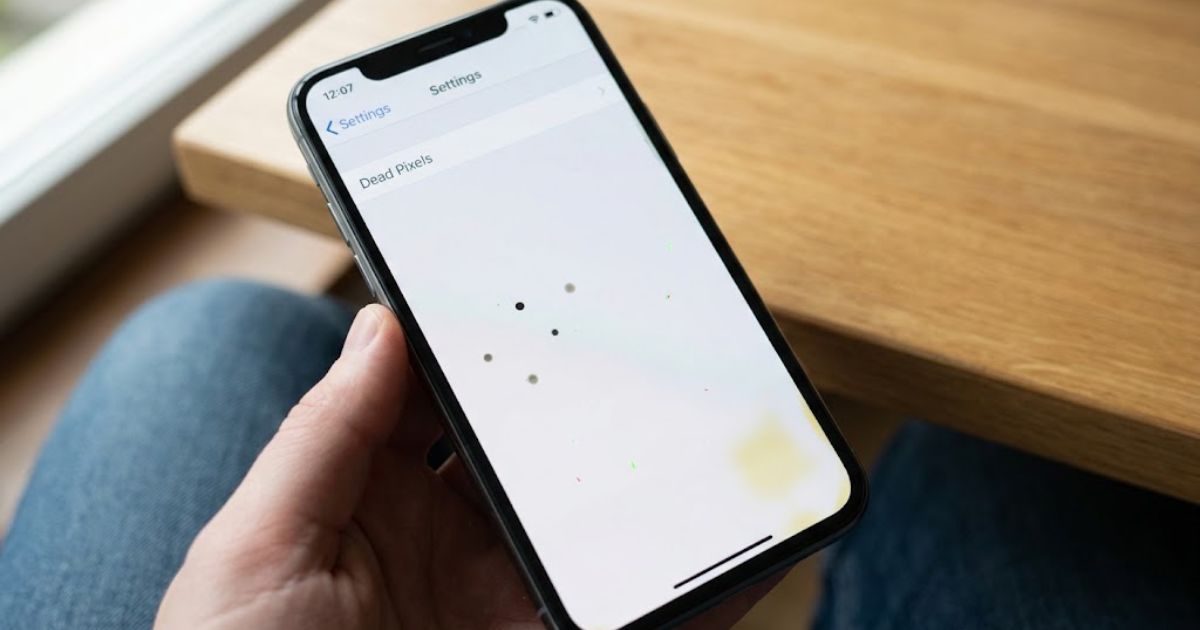
Pressure damage is the most common cause I see. A fall or a strong fall creates cracks and compression inside the internal display layers, so internal display damage can hide behind clean glass. Even a hit on the corner of phone can start spreading, and I have watched one dot start multiplying over a few weeks.
Moisture, humidity, and heavy moistening often leave yellow or blue marks. Battery swelling is another culprit, because a swollen battery pushes on the display from below. Screen protector problems and keys in pocket add a surface issue on top. Tablets get these marks too, and any screen damage or display damage deserves professional evaluation, a repair, or even screen replacement.
Causes: Why Do Spots Appear on a Mobile Screen?
Most spots on mobile screen cases I check on mobile phones come from a hardware problem, not a software fault. Pressure damage starts when people keep a phone in a tight pocket, set a heavy object on it, or end up sitting on phone by mistake. That surface pressure and strong pressure from keys in pocket squeeze the screen layers and leave a visible patch.
Drop damage counts too, because a drop of just a few feet can break internal display parts, and repeated falls make things worse. On AMOLED and OLED screens, organic molecules fail after a hit, while on an LCD, liquid crystals escape through an internal crack. That leakage brings black spots and sometimes an LCD white spot.
A stuck pixel stays lit, damaged pixels go dark, and a group of pixels failing together causes pixel cluster failures. Moisture, water exposure, and humidity bring corrosion, and heavy moistening leaves yellow spots and blue spots. Mixed liquids make purple spots, which is why I always ask owners how often they drop their phone.
Backlight damage and LCD layer damage spread uneven light across the panel and change the light and color. That creates white spots and counts as internal screen damage. Battery swelling works like a hidden fist, because a swollen battery lifts screen glass from underneath. Some owners also mention a battery deficiency before the swelling begins.
How to Fix Spots on Mobile Screen at Home
Before I take spots on mobile screen to a repair shop, I restart the phone and install any software updates. If the spot hides on the lock screen but shows in apps, I blame software issues. If it shows on the lock screen and in safe mode, I suspect hardware damage. As a last step, I try a factory reset, but I always back up files and photos first, because data disappears fast.
On an iPhone, I hold the side button and volume button until the slider appears, then switch off. On Android, I press the power button and tap restart. For a reset, iPhone users open Settings, then General, then Transfer or Reset iPhone, and tap Erase All Content and Settings. Android users open System, then Find and reset options, and pick Erase all data.
On LCD displays, I try light pressure when liquid crystal dislocation causes a dot. I switch off phone first, lay a microfiber cloth over the screen, and use a pencil eraser or my thumb for gentle pressure around the spot. This helps with redistributing liquid crystals, but I never press hard on pressure spots.
DIY methods like massaging screen often fail, since internal cracks grow and cause a weak touch screen, disproportionate brightness, or even screen breakdown. A fragmented screen with purple spots needs you to replace screen entirely. I remove tight cases and keep the phone away from objects exerting pressure, which fixes many white spots. Black spots, yellow spots, and blue spots need more care, so I use isolating phone from pressure as step one and go from there.
When Should You Get Professional Repair?
I book professional repair for spots on mobile screen when basic checks fail. Home fixes, software repairs, and surface cleaning solve minor screen glitches, but deeper screen damage needs expert attention. A white spot growing over several days shows worsening display damage, and it spreads no matter what I try.
The outer glass can look perfect while a fractured LCD or pressed OLED layers hide beneath, so internal display damage is easy to miss. Cracks inside the panel cause it. When liquid crystals leak, screen bleeding shows up as a black patch. When OLED pixels malfunction, cluster black dots appear as pixel cluster failure that stays permanent and unresponsive.
A screen that flickers, shows uneven brightness, or has color changes tells me the internal hardware damage is real. Water damage, moisture, impact damage, or a drop often cause it. A rushed diagnosis can cause connector damage and harm internal parts, so I send hardware issues and hardware-related faults to be evaluated by professionals to protect complete functionality.
Repair vs Replacement
With spots on mobile screen, the type of problem and its severity decide everything. With minor localized damage, like a small dot that is not spreading, technicians can fix individual display layers without swapping the whole assembly. In that case, phone screen repair is enough.
A black patch that keeps spreading hurts visibility and causes touch malfunction, so I choose screen replacement as a full display change. That gives long-lasting dependability and brings back screen quality. A white spot that stays after basic checks points to deeper display damage.
I also check phone condition before I decide. If the phone still works well, I repair the display and fix any other display damage. With an old phone that has battery issues and performance issues, I weigh repair cost against overall value. Early decisions save time and save money, and the short-term expense of replacement beats greater total costs later, which makes it cost-saving.
How to Prevent Spots on a Mobile Screen
Preventing spots on mobile screen is cost-effective. I use a shock-absorbing case and avoid tight cases that add pressure on display. I keep my phone out of back pockets, tight pockets, and narrow areas where it can get bent or compressed, and I never stack heavy objects on it. Even small force can break internal pixels while the outer glass stays fine.
A tempered glass protector helps with impact absorption and force distribution, so drops and a fall cause fewer cracks and pressure-related black dots. A good screen protector goes on without air bubbles. I also protect corners to avoid a black spot on corner.
Water, humidity, and moisture cause internal corrosion, so I keep my phone away from heat, hot places, and damp places. If it gets wet, I dry quickly and do not charge it until a proper examination. On older phones, I check battery health, because a swollen battery causes display problems and hurts light and color. A bent frame brings uneven pressure, so I fix frame damage early to stop white spots and black spots.
How Can You Tell If the White Spot Is a Hardware Issue?
To spot a hardware issue, I take a screenshot. If the spot is missing there, the screen is the culprit. Then I test a white background, grey background, and black background, and I watch how brightness and intensity change. That tells me whether the display layers or backlight are at fault. I also remove the screen protector, because dust, air bubbles, and pressure from it can fake damage.
Do Black Spots on Display Spread Over Time?
Yes, black spots can spread over time. This diffusion shows gradual damage and internal deterioration inside the display panels. I watch whether the spot starts to grow larger or looks rounder. Flickering, reduced touch sensitivity, color distortion, and inconsistent brightness warn me early. If I ignore them, total display failure follows, the area goes unresponsive, and I need professional screen replacement.
How Are Screen Issues Diagnosed by Experts?
Diagnosis takes time because screens are multilayered. In step 1, technicians do a visual inspection and look at points of impact, pressure marks, and cracks. They also note sharp edges that suggest a dead pixel and blurred edges that suggest screen bleeding.
In step 2, they run a pressure test and a display test. These check brightness, pixel receptivity, and color accuracy across the panel. The results show whether the problem is isolated or comes from external damage or internal damage in the display assembly.
In step 3, they do a moisture damage check with hygrometers. They look for corrosion, oxidation, and internal residue to learn whether the problem is impact-related or liquid damage. Even a little water can cause pixel clusters to fail.
Cost Factors for Fixing Black Spots on Mobile Screen
Several cost factors shape the repair cost of black spots. The phone model and brand matter a lot, because flagship models and high-end smartphones cost more to fix, while budget devices cost less. The screen type matters as well: LCD repairs are cheaper than OLED repairs. The size of spot and location of spot also change the price, since a spot on the edge costs less than one in the core viewing area.
FAQs
What causes spots on mobile screen?
Pressure damage, drops, moisture, and stuck pixels cause most spots on a mobile screen. A swollen battery can also push against the display and leave a white spot. Sometimes a screen protector with dust or air bubbles only looks like damage.
Can I fix spots on a mobile screen at home?
You can fix some of them. Restart the phone, install software updates, clean the screen with a microfiber cloth, and remove the screen protector to check for air bubbles. A pixel-fixing app may help with stuck pixels, but home fixes rarely solve internal display damage.
How can I tell if a spot is a hardware issue?
Take a screenshot. If the spot does not show up there, the hardware is the problem. Then check the spot on white, grey, and black backgrounds, and see if it changes with brightness.
Do black spots on a phone screen spread over time?
Yes, they often do. Black spots that spread usually signal internal deterioration of the display panel. Flickering, color distortion, and reduced touch sensitivity are warning signs, so get a professional repair early.
Should I repair the screen or replace the phone?
Repair the screen if the phone still works well and only the display has damage. Replace the phone if it is old, has battery issues, or the repair cost is too high compared to its overall value.